
How to Connect WhatsApp Business API Without a Developer
A non-technical guide to connecting the official WhatsApp Business API using Meta embedded signup. No webhooks, no API keys, no coding.
Malysha
Published 15 May 2026
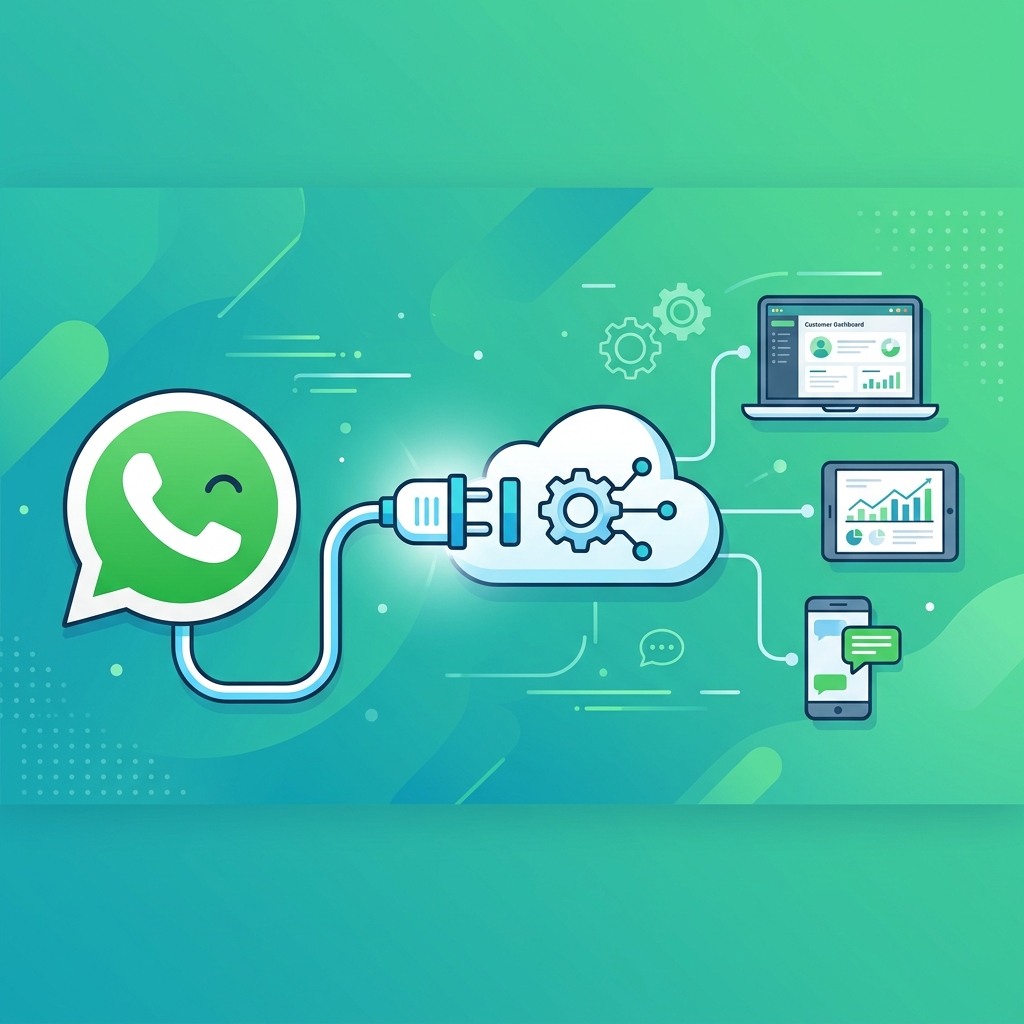
The WhatsApp Business API has traditionally required developer resources: configuring webhooks, managing API tokens, and handling complex authentication flows. For small businesses without a technical team, this has been a significant barrier.
Chatdivo eliminates this complexity entirely by using Meta's embedded signup flow, which lets you connect your WhatsApp Business number in about two minutes with zero coding.
What Is the WhatsApp Business API?
The WhatsApp Business API is Meta's official interface for businesses to send and receive WhatsApp messages at scale. Unlike the free WhatsApp Business app (limited to one device), the API supports automation, multiple users, and integration with business tools.
The API is required for any automated messaging, including AI chatbots. You cannot build a proper WhatsApp automation using just the consumer WhatsApp app.
The Old Way vs. The New Way
The traditional API setup involved creating a Meta developer account, configuring a webhook server, generating and managing API tokens, setting up a business verification process, and handling message template approvals. This process typically took days and required developer involvement.
With embedded signup, the entire process is handled through a simple browser-based flow. You click a button, log in with your Meta account, select your business, choose a phone number, and you are connected. Chatdivo handles all the backend configuration automatically.
Step-by-Step Connection Process
- Create your Chatdivo account and set up at least one AI agent with a knowledge base
- Navigate to your agent's Settings and click Connect WhatsApp
- A Meta popup will open. Log in with your Facebook or Meta account
- Select or create a WhatsApp Business Account
- Choose the phone number you want to connect (new or existing)
- Confirm the connection and close the popup
That is it. Chatdivo automatically registers the webhook, configures message routing, and begins listening for incoming messages. Your AI agent is now live on WhatsApp.
Common Questions
Can I use my existing WhatsApp Business number? Yes. You can migrate an existing WhatsApp Business app number to the API. Note that the WhatsApp Business app will stop working on that number once it is connected to the API.
Do I need a Facebook Business Manager? Meta will create one for you during the signup process if you do not already have one.
Is there a cost for the API? Meta charges per-conversation fees for WhatsApp API usage. Chatdivo does not add per-message fees on top of this. Check the pricing page for details.
Can I disconnect later? Yes. You can disconnect your number from Chatdivo at any time from the settings page.
Ready to connect? Create your account and link your WhatsApp number in minutes.
Ready to automate your WhatsApp support?
Create an AI agent trained on your business content and start responding to customers automatically.